OFFERS LIBRARY
Create once. Reuse everywhere. Track what converts.
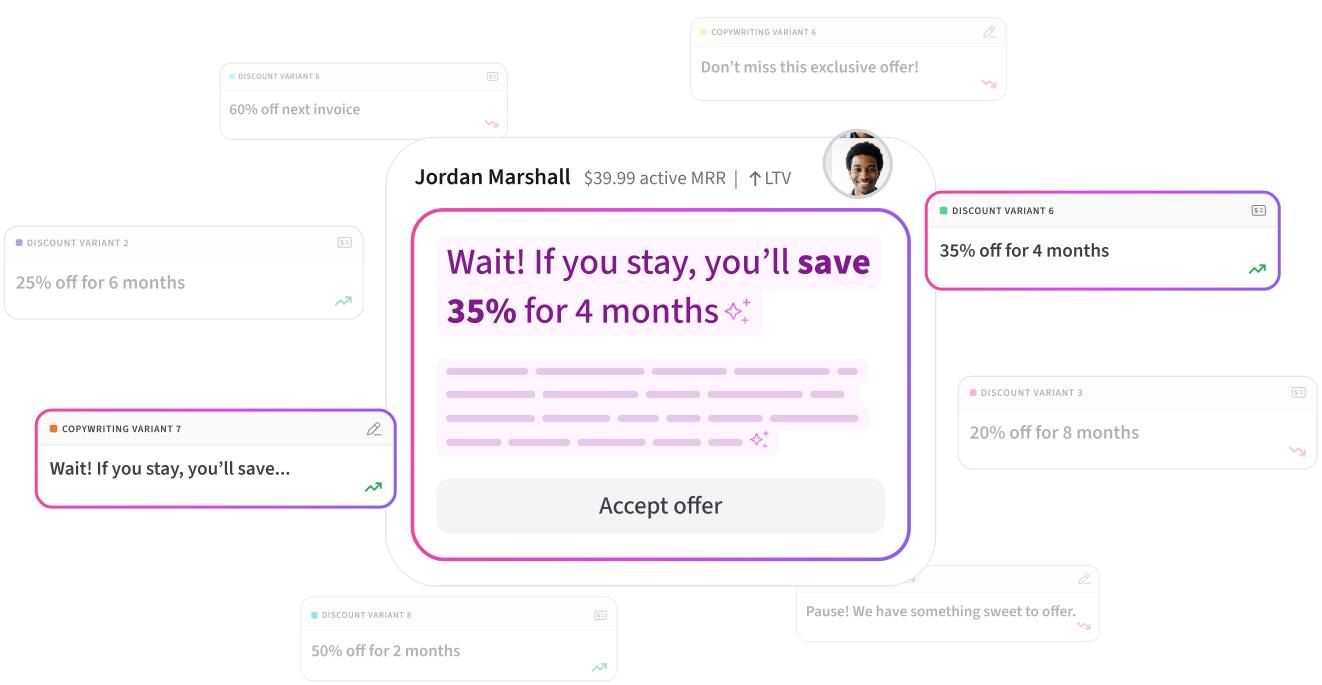
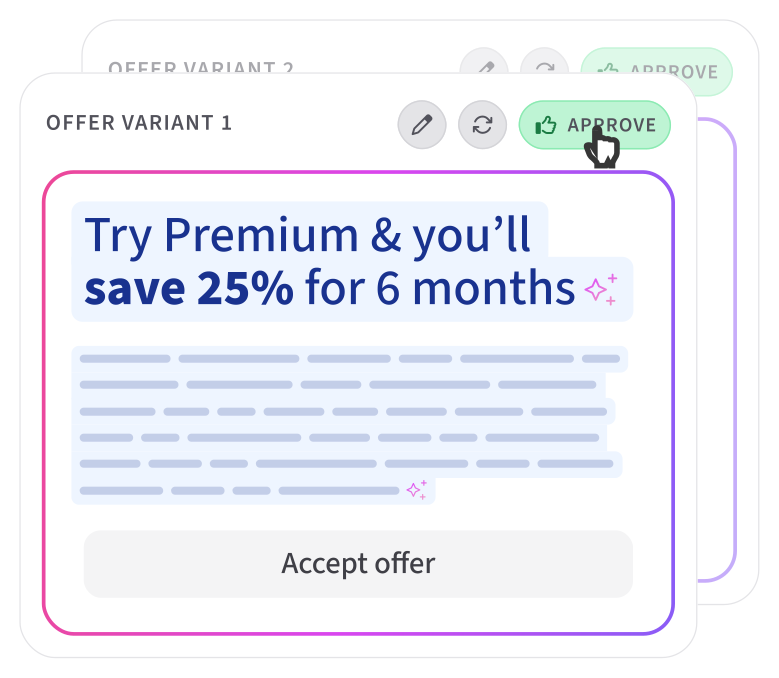
Build a library of retention offers - percentage discounts, fixed discounts, subscription pauses, trial extensions, or custom. Edit in one place, updates everywhere.
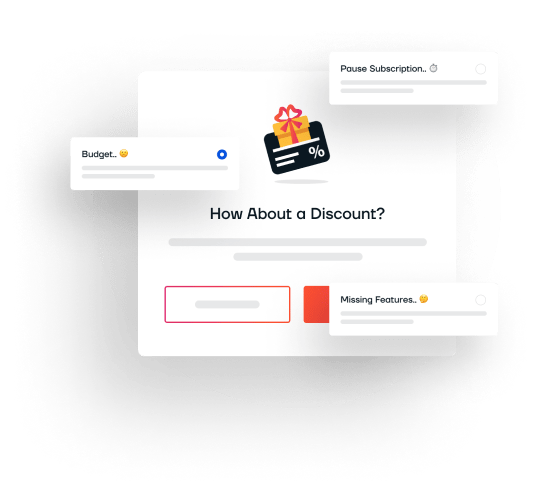
Targeted Offers That Save At-Risk Customers
Deliver automated percentage discounts, account pauses, trial extensions, or plan downgrades mapped to specific cancellation reasons.
HOW IT WORKS
Step by step
Create an offer
Go to Offers in the sidebar. Click New Offer. Set the type, value, duration, and customer-facing copy.
Map to flows
In Simple Builder, select offers per cancellation reason. In Advanced Builder, link offer nodes from the library or configure inline.
Track and optimize
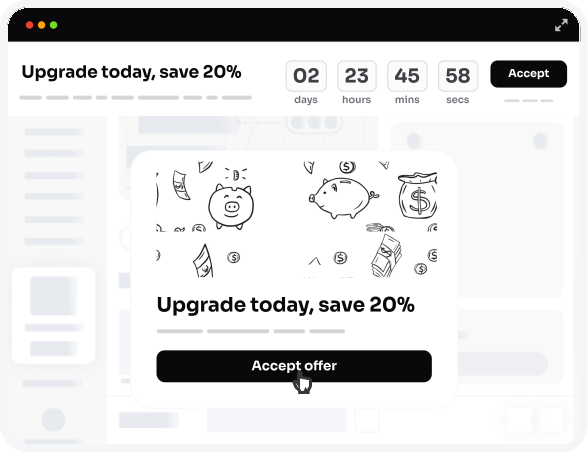
See which offers have the highest acceptance rates in Analytics. Edit underperforming offers - changes propagate instantly.
Who this is for
Multiple products, one library
You have 3 subscription tiers each with their own cancel flow, but the same '20% off' offer works across all of them.
A/B testing offers
Create two offers with different values. Map each to a separate flow. Compare retention rates to find the optimal incentive.
Seasonal campaigns
Create holiday-specific offers, map them temporarily, then switch back. The library makes this a 2-minute task.
Frequently Asked Questions
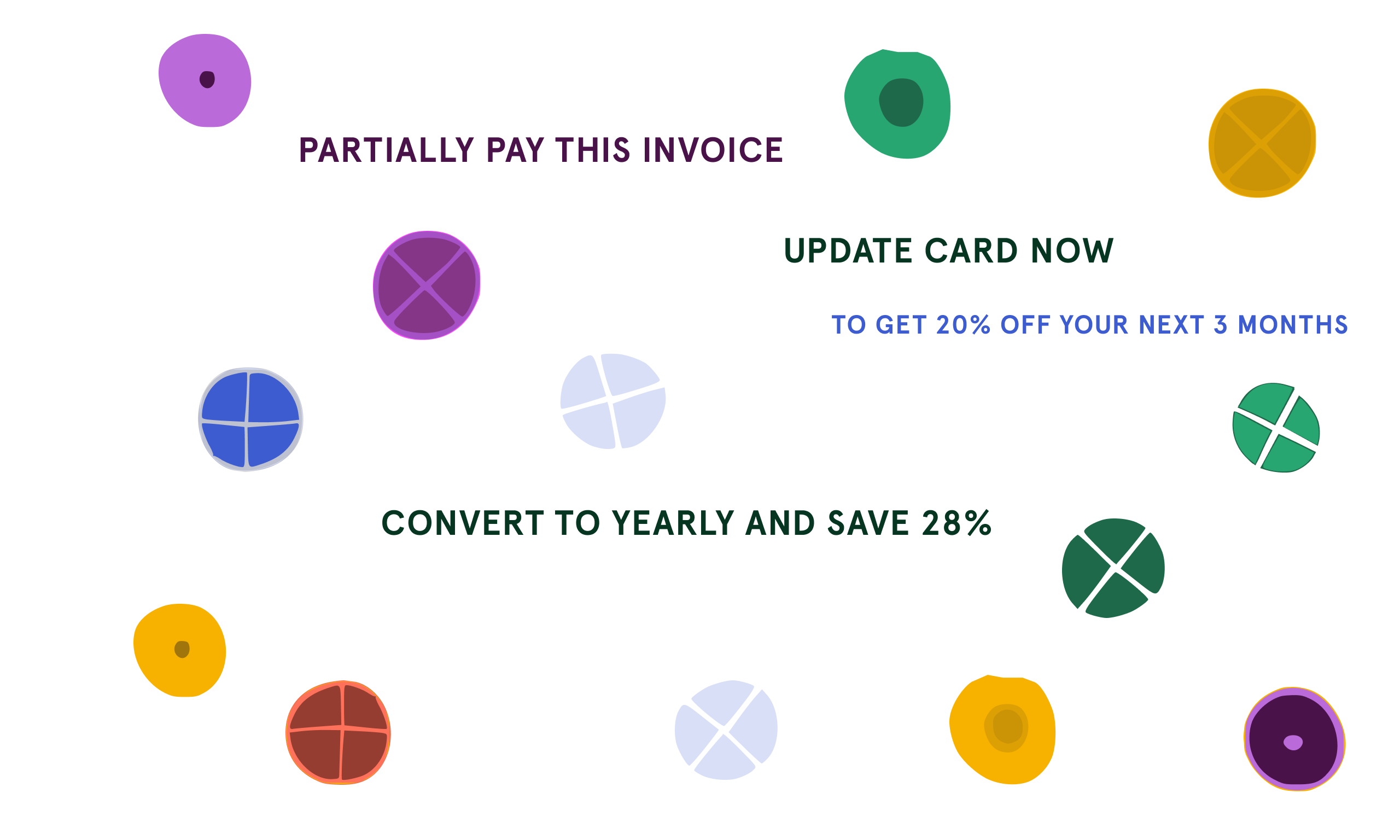
Five types: percentage discount (e.g. 20% off), fixed amount discount (e.g. $10 off), subscription pause (e.g. pause for 1 month), trial extension (e.g. 7 extra days), and custom (freeform text for any offer type).
Yes. Offers are stored centrally in the library. When you edit an offer's value, copy, or type, the change propagates to every flow that references it - no need to update each flow individually.
Yes. Both the Simple Builder and Advanced Builder let you create new offers inline from the offer dropdown. The dropdown refreshes automatically after creation so you can select the new offer immediately.
Ready to reduce churn?
Free forever. No credit card required.